
Computer feeling sluggish?
Struggling to keep up with demanding games or software? Don’t replace it yet!
Easy Computer & Laptop Upgrades
Step 1: Free Assessment
We will assess your current hardware and software to identify the bottlenecks and recommend the most effective upgrades for your needs and budget.
Step 2: Customized Recommendations
Based on the assessment, we’ll recommend targeted upgrades that deliver the biggest impact. Need a memory boost for multitasking? A storage upgrade for faster loading? We’ll tailor a solution to your specific needs and budget.
Step 3: Seamless Installation & Optimization
We’ll handle the entire process, from removing old components to carefully installing the new ones, ensuring everything runs smoothly and efficiently and the device exterior is not damaged during opening and closing.
Available Upgrades
Laptop Upgrades
- RAM: Increase multitasking ability and reduce lag.
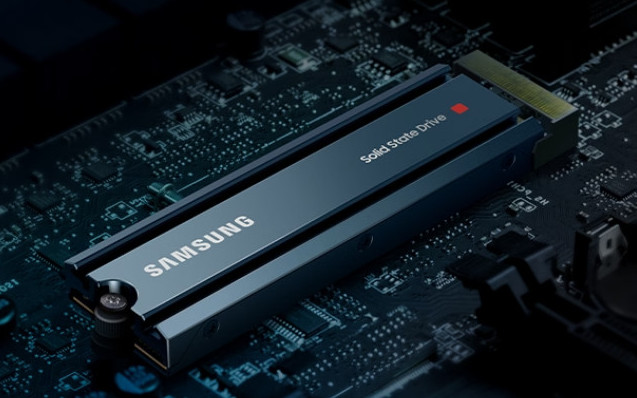
- Storage: Swap a traditional hard drive (HDD) for a solid-state drive (SSD) for dramatically faster boot times and application loading.


Gaming PC upgrades
- Graphics Card (GPU): The heart of gaming performance, a new GPU delivers smoother frame rates and higher resolutions for stunning visuals.
- Processor (CPU): Upgrade your CPU for improved overall processing power, benefiting not just games but also demanding applications.
- RAM: Boost multitasking and minimize in-game loading times with additional RAM.
- Storage: Similar to laptops, consider an SSD for significant speed improvements.
- Cooling System: Ensure your powerful components stay cool with upgraded fans or a liquid cooling solution.
Workstation Upgrades
- Processor (CPU): A powerful CPU is essential for rendering 3D models, video editing, and scientific computing.
- RAM: Work with large datasets and demanding software smoothly with ample RAM.
- Storage: High-performance SSDs or RAID configurations offer exceptional storage speed for rapid data access and reduce startup(boot) time.
- Graphics Card (GPU): For professional graphics applications like video editing and 3D design, a powerful GPU is crucial.
Office Server upgrades
- Memory (RAM) Increase: Boost multitasking abilities and improve application responsiveness.
- Storage Upgrade: Migrate to faster SSDs or expand storage capacity for growing data needs.
- Processor Upgrade: Enhance processing power for demanding workloads like data analysis or virtualization.
- Operating System Update: Gain access to new features, improved security, and ongoing support.
Ready to UPGRADE?
Get a Free Quote